Tapping 'Allow' Without Reading the Fine Print: What Your Apps Are Really Doing With Your Data

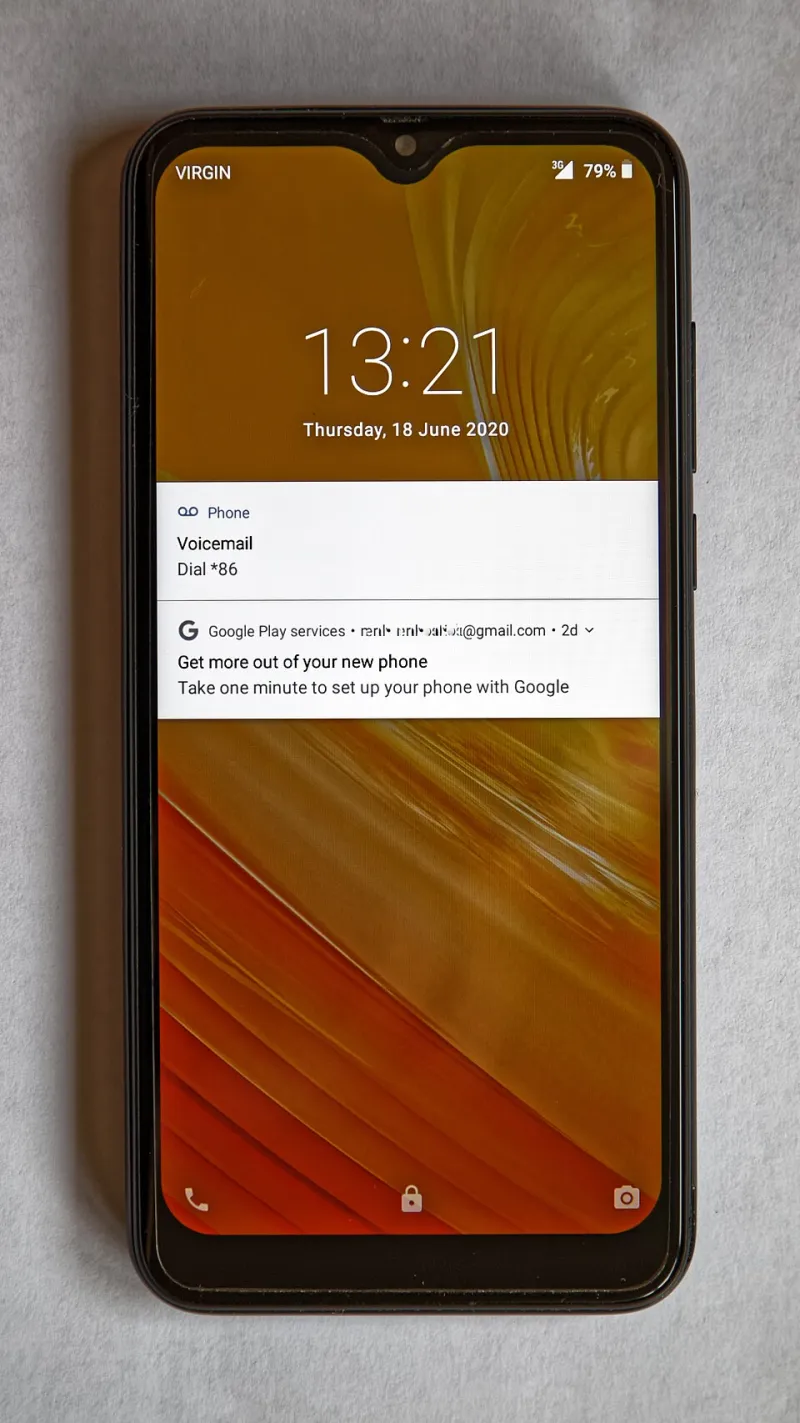
Photo: booledozer, CC0, via Wikimedia Commons
Most Americans unlock their phones dozens of times each day without giving a second thought to the quiet negotiations happening in the background. Every app installed on your device has, at some point, presented you with a permission request — a small dialog box asking for access to your camera, your contacts, your location, or your microphone. The vast majority of users tap "Allow" within seconds and move on.
That instinct is understandable. The requests arrive at inconvenient moments, the language is often technical, and the assumption is that a reputable app would never ask for something it doesn't genuinely need. Unfortunately, that assumption is frequently wrong, and the consequences can range from targeted advertising to outright data exploitation.
How Permission Systems Work — and Where They Fall Short
Both Android and iOS have invested considerable effort in building permission frameworks designed to protect users. Apple introduced its App Tracking Transparency (ATT) prompt with iOS 14.5, requiring apps to explicitly ask before tracking users across third-party platforms. Google has similarly expanded its permission categories and introduced runtime permissions — meaning apps must ask for access at the moment they need it rather than bundling all requests at installation.
These are genuine improvements. But the architecture still has meaningful gaps.
On Android, apps targeting older API levels may operate under more permissive legacy rules, particularly on devices that haven't received recent software updates — a significant concern given that millions of Americans continue to use smartphones running Android versions that are two or more generations behind. Additionally, certain categories of data, such as the list of other apps installed on your device, have historically been accessible without any explicit user permission at all.
On iOS, the permission system is generally more restrictive, but it is not immune to manipulation. Apps can request permissions they don't technically require for their core function, and users who decline may find that key features are withheld as a form of soft coercion. A flashlight app that refuses to function without microphone access is an extreme example, but subtler versions of this dynamic appear regularly across both platforms.
The Permissions That Deserve Your Closest Attention
Not all permissions carry equal risk. Understanding which categories of access create the greatest exposure is the first step toward a more disciplined approach to app management.
Location access remains one of the most sensitive permissions any app can hold. The distinction between "While Using the App" and "Always" access is critical — background location tracking allows an app to log your movements even when you're not actively using it. Weather apps, navigation tools, and retail apps are among the most common requesters of continuous location data, much of which is subsequently sold to data brokers.
Contacts represent another high-value target. Granting a social or messaging app access to your full address book doesn't just expose your own information — it exposes the private data of every person stored in your phone, none of whom consented to that transfer.
Microphone and camera permissions, if granted to apps without a clear audio or video function, should be treated as immediate red flags. Research has demonstrated that certain apps activate the microphone during active sessions in ways that extend beyond their stated purpose.
Storage access on Android can allow apps to read files well beyond what their function requires, including documents, images, and cached data from other applications.
A Practical Audit: What Popular Apps Are Actually Accessing
Consider a few categories of commonly used apps and the permissions they routinely request:
- Free mobile games frequently request access to contacts, device identifiers, and location data — none of which are necessary for gameplay. This data supports advertising profiles built around the user.
- Retail and coupon apps often request persistent location access to serve geofenced promotions, but the same data feeds into behavioral analytics pipelines shared with marketing partners.
- Keyboard apps, particularly third-party options, have broad access to everything you type — passwords, messages, search queries, and financial information. Several popular keyboard apps have been found transmitting keystroke data to remote servers.
- Social media platforms routinely hold permissions across nearly every sensitive category: camera, microphone, contacts, location, and storage. Even when these permissions are nominally justified by in-app features, the scope of data collection extends well beyond what most users would consider reasonable.
How to Review and Revoke Permissions on Your Device
Auditing your app permissions takes less than ten minutes and is one of the highest-impact security actions available to any mobile user.
On iPhone (iOS 16 and later):
- Open Settings and scroll down to Privacy & Security.
- Review each permission category — Location Services, Contacts, Microphone, Camera, and so on — to see a complete list of apps that have requested access.
- For Location Services specifically, examine each app and change any set to "Always" to "While Using" unless there is a specific, necessary reason for background access.
- Under Privacy & Security, tap Tracking to see which apps have requested permission to track you across other companies' apps and websites. Disable any that do not require it.
On Android (Android 12 and later):
- Open Settings, then navigate to Privacy, followed by Permission Manager.
- Each permission category displays a list of apps with access. Work through Location, Microphone, Camera, Contacts, and Storage systematically.
- For location, switch any app set to "Allow all the time" to "Allow only while using the app" unless the use case is clearly justified.
- On Android 12 and above, use the Privacy Dashboard to view a timeline of which apps accessed sensitive permissions in the previous 24 hours — this can reveal activity that would otherwise go unnoticed.
After completing this review, uninstall any app whose permission requests cannot be reasonably explained by its stated function. If removal isn't practical, deny the permissions in question and observe whether the core features you rely on continue to work. In many cases, they will.
Building a More Deliberate Habit
The permission prompt is a moment of genuine consequence, not a procedural obstacle. Treating it as such requires only a brief pause — enough time to ask whether the access being requested makes sense for the app in front of you.
As a general discipline, deny permissions by default and grant them only when a specific feature requires them and you are actively using it. Review your full permission landscape every few months, particularly after installing new applications or updating existing ones, as updates can quietly introduce new permission requests.
Your mobile device carries an extraordinary concentration of personal information: financial data, health records, private communications, and a detailed map of your daily movements. The apps installed on it are not passive tools — they are active participants in an economy built around personal data. Understanding what you have consented to, and withdrawing consent where it is not warranted, is among the most consequential steps you can take to protect your digital life.